
PDF files are widely used for documents, forms, contracts, reports, and applications. However, making changes to a PDF can sometimes be difficult if you don’t have dedicated software installed.
Fortunately, you can edit PDF files online directly from your web browser. This guide explains how to edit a PDF quickly and easily.
What Does It Mean to Edit a PDF?
Editing a PDF can include several common tasks, such as:
- Adding or changing text
- Adding annotations or notes
- Highlighting important information
- Filling out forms
- Adding signatures
- Making corrections
- Organizing or managing PDF content
The exact features available depend on the PDF editor you use.
How to Edit a PDF Online
1. Open an Online PDF Editor
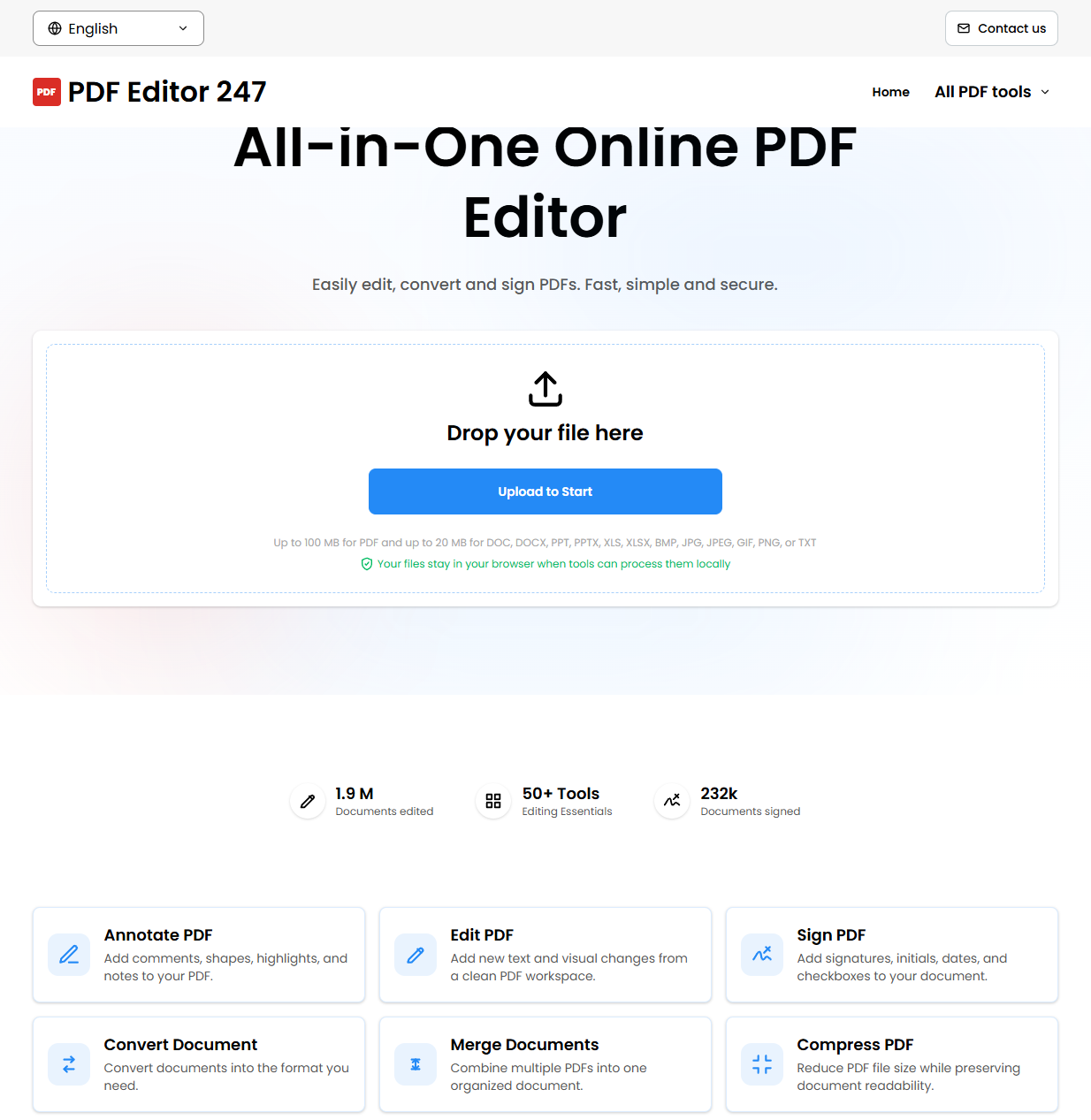
Start by opening an online PDF editing tool. One option is PDF Editor 247, which provides PDF editing tools directly in your browser.
There is no need to install a desktop PDF application before getting started.
2. Upload Your PDF
Choose the PDF file you want to edit and upload it to the editor.
Make sure you select the correct document before making changes, especially if you are working with multiple files.
3. Make Your Changes
Once your PDF is open, use the available editing tools to make the changes you need.
Depending on the editor, you may be able to:
- Add text
- Edit document content
- Highlight sections
- Add notes or annotations
- Complete forms
- Add other elements to the document
For simple document changes, an online editor can be much more convenient than installing additional software.
4. Review the Document
Before saving your edited PDF, review every page carefully.
Check that:
- Text is positioned correctly
- Nothing important has been accidentally removed
- Annotations are in the right locations
- Forms contain the correct information
- The document still looks the way you expect
5. Save Your Edited PDF
When you are finished, save or download the edited PDF.
It’s a good idea to open the saved file afterward and quickly check it again to make sure your changes were preserved.
Why Use an Online PDF Editor?
Online PDF editors can be useful when you need to make a quick change without installing desktop software.
No Installation
You can work with PDFs directly from a web browser, which is convenient when you’re using a different computer or don’t want to install another application.
Quick Access
If you only need to make a small change to a document, opening an online editor can be faster than setting up dedicated PDF software.
Works Across Devices
Browser-based tools can be accessed from computers and other supported devices, depending on the editor.
Tips for Editing PDFs Online
Keep a backup of the original.
Before editing an important document, keep an untouched copy of the original PDF.
Review the final document.
Always check the edited file before sending or submitting it.
Be careful with sensitive documents.
For confidential documents, review the service’s privacy and data-handling policies before uploading files.
Use the right tool for the job.
Simple edits may only require text and annotation tools, while complex PDF modifications may require specialized desktop software.
Edit Your PDF Online
If you need a straightforward way to work with PDF documents in your browser, try PDF Editor 247.
It provides a convenient online workspace for editing and managing PDF files without requiring complicated software installation.